Presentation templates
Our PowerPoint templates ensure every presentation reflects the K3 identity consistently – whether for client meetings, internal updates, or conference presentations.
Each template includes a set of master slides designed to create clear hierarchy, strong visual balance, and consistent brand expression across all presentations.
Two presentation styles are available, designed for different communication contexts and audiences.

Formal presentations – Teal and Ink
Use these versions for more formal or information-led presentations. These layouts use a restrained colour palette and minimal graphic elements to ensure clarity and professionalism.


Sales and marketing presentations – Colour blend
Use these templates for more dynamic, externally facing presentations. These layouts introduce the K3 colour blend and graphic shapes to create stronger visual impact and brand energy.


Content slides
The standard slide for most presentation content.
If using a two-column layout, ensure both columns contain similar amounts of content for visual balance.


Data or statistics slides
Used to highlight key metrics and results information.


Typography and hierarchy
Typography styles are built into the template theme. To maintain readability and consistency:
Use clear hierarchy between titles, subtitles and body text.

Imagery and graphics
Use imagery that reflects the K3 brand style:


Colour
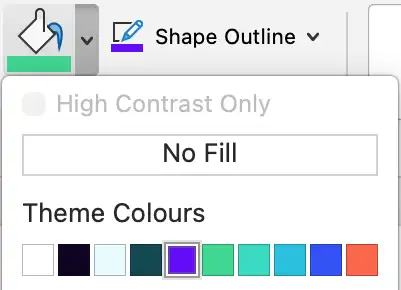
Use the K3 colour palette for brand consistency: